Website
The website of DBnomics is available at https://db.nomics.world/.
It allows users to browse and download time series.
URL structure
The website URLs are designed to reflect the structure of the data, remain human-readable, and be easy to share.
Here are the main URLs used for browsing data:
https://db.nomics.world/{provider_code}: provider pagehttps://db.nomics.world/{provider_code}/{dataset_code}: dataset pagehttps://db.nomics.world/{provider_code}/{dataset_code}/{series_code}: series page
You can navigate up the hierarchy by removing the last segment of the URL: from series to dataset, then from dataset to provider.
Available pages
Search page
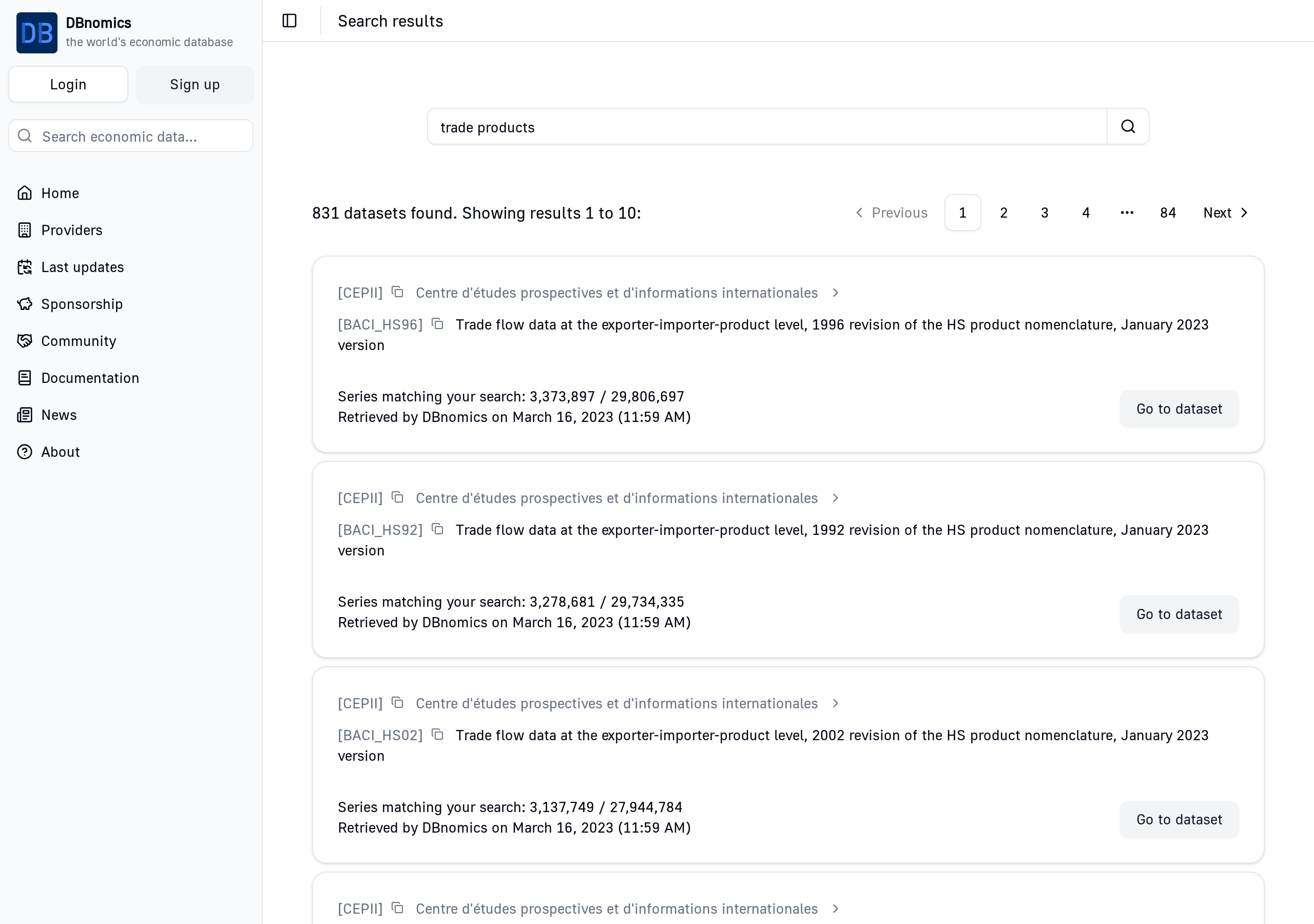
This page shows the results of a search query.
- URL:
https://db.nomics.world/?q={query}(replace{query}with your search query) - Example: https://db.nomics.world/?q=trade+products
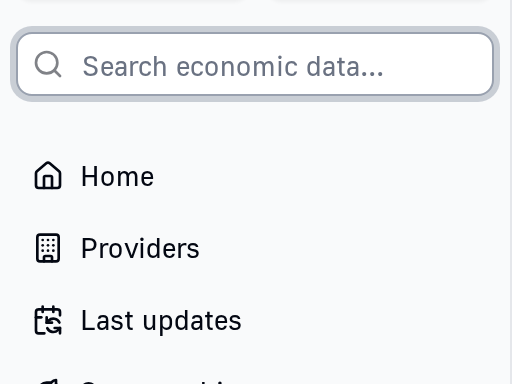
This page is available by typing a search query in the search input field of the sidebar.
List of providers page
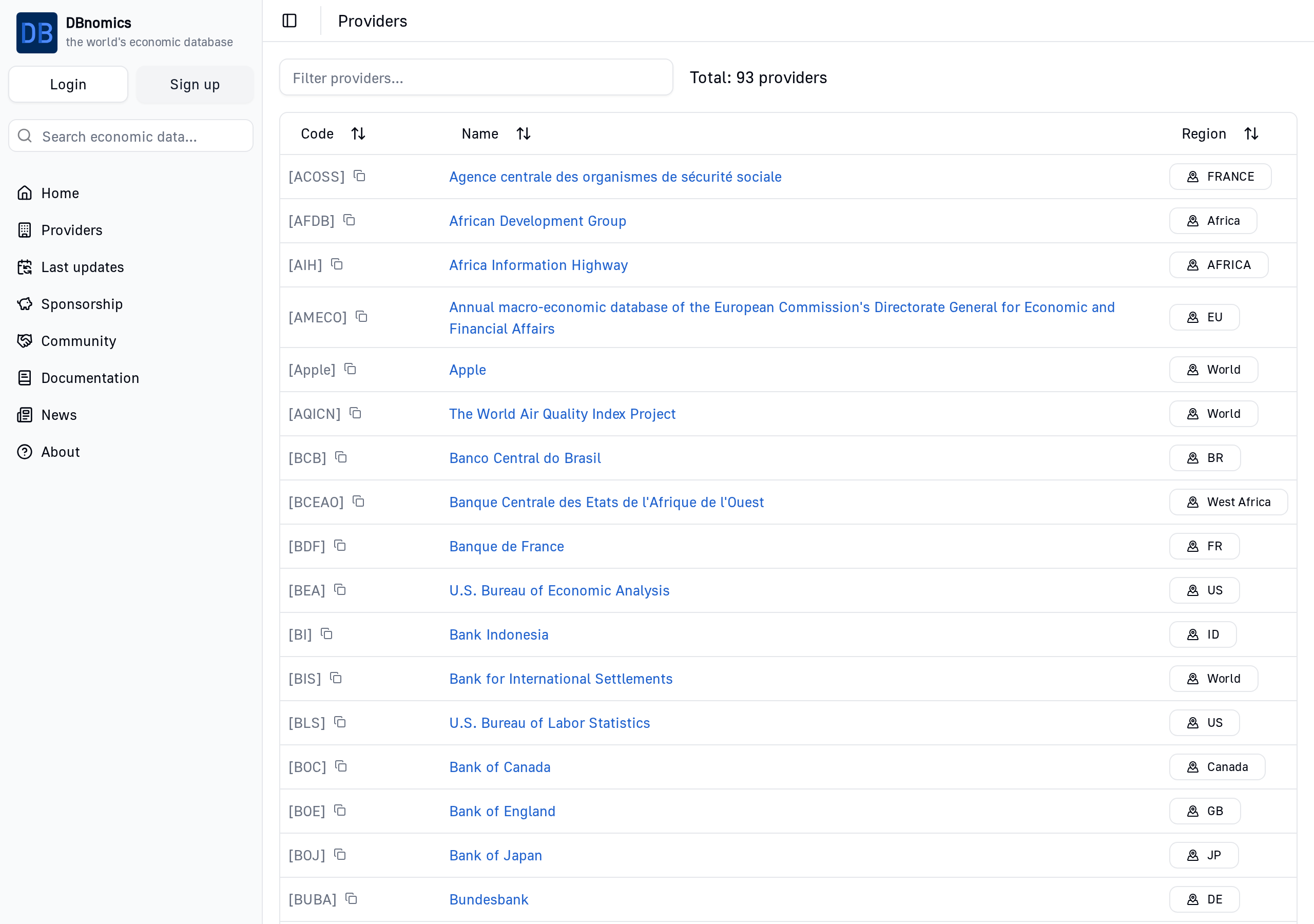
This page shows the available providers in DBnomics.
Provider page
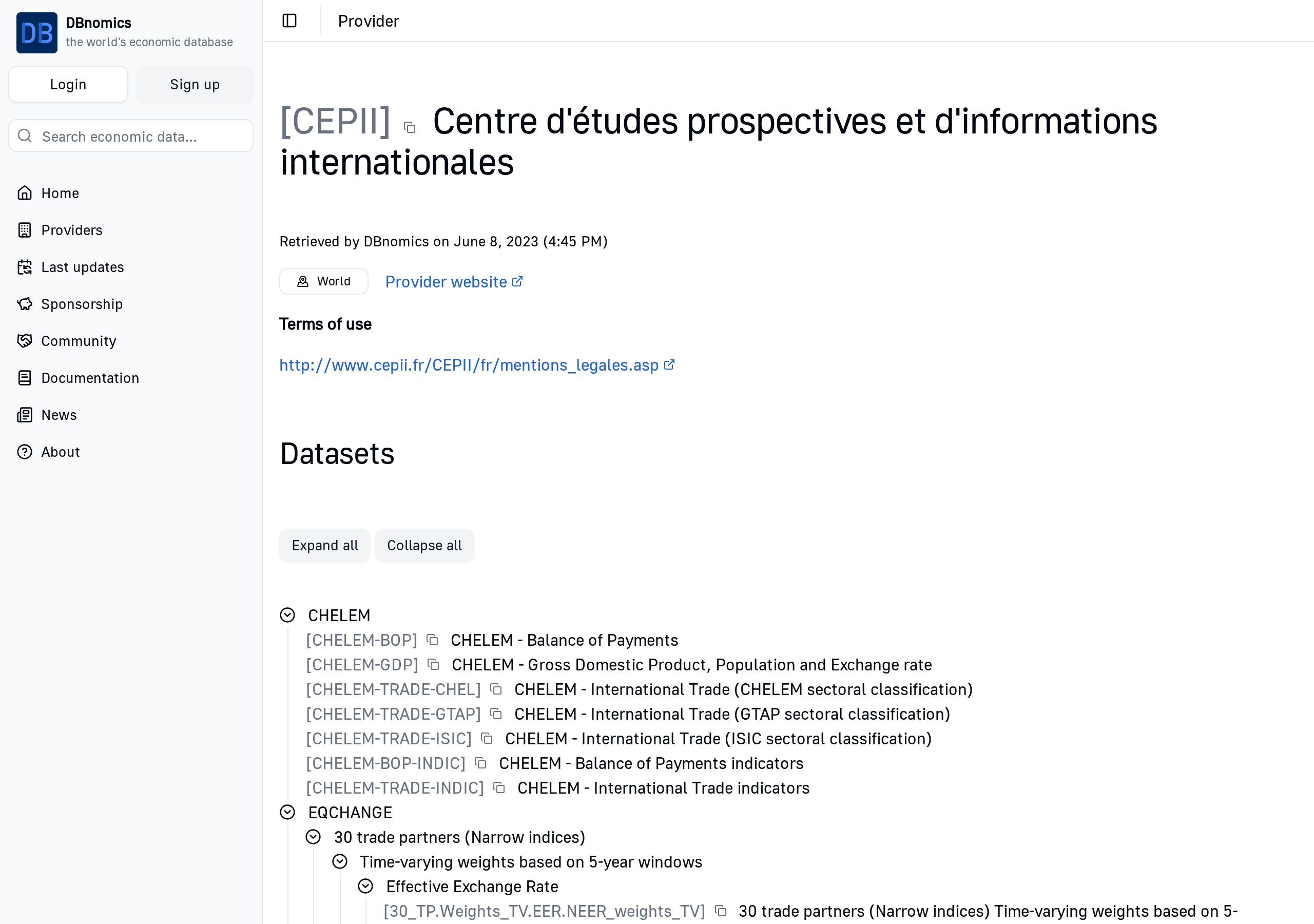
This page shows the datasets of a provider.
- URL:
https://db.nomics.world/{provider_code}(replace{provider_code}with the provider's code) - Example: https://db.nomics.world/CEPII
Category tree
These datasets are often organized by the provider in a category tree, as shown in the screenshot above.
Dataset page
This page shows the series of a dataset and allows users to filter them by dimensions.
- URL:
https://db.nomics.world/{provider_code}/{dataset_code}(replace{provider_code}and{dataset_code}with the provider's and dataset's codes) - Example: https://db.nomics.world/CEPII/BACI_HS17
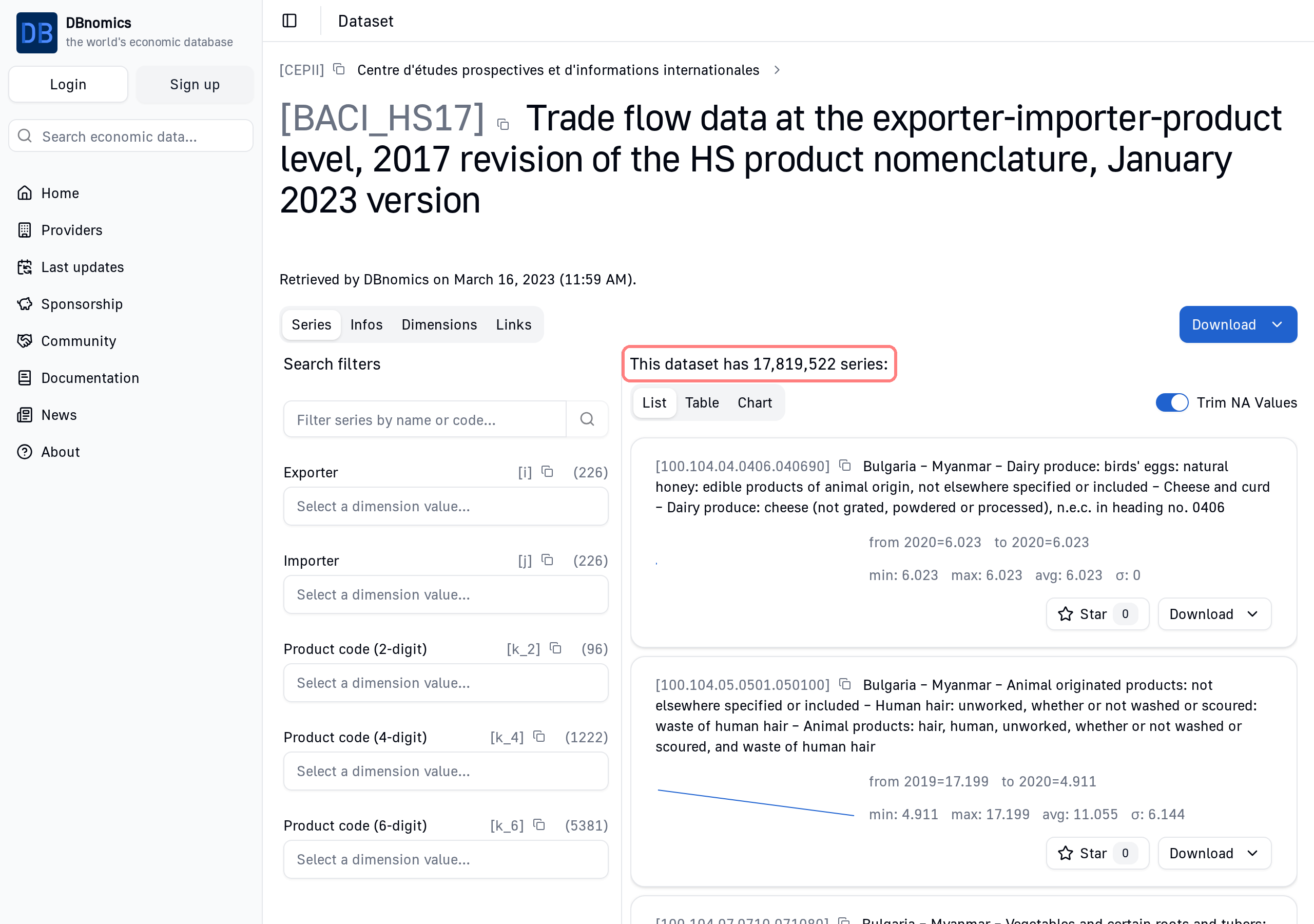
Filter by dimension
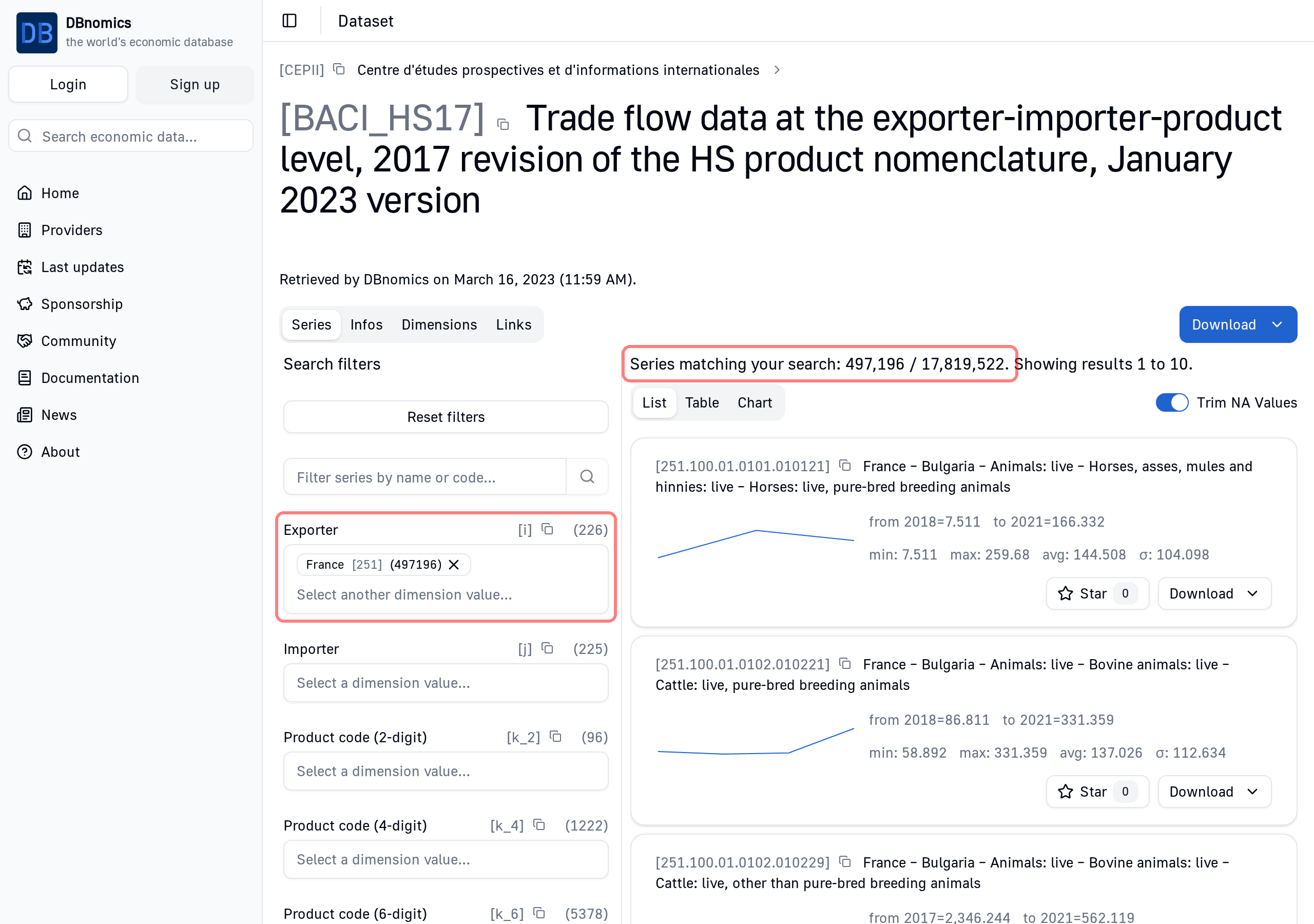
You can filter the series of a dataset by their dimensions (e.g. Country=France, Frequency=Quarterly, etc).
Note
This search pattern is often called faceted search and is commonly used on e-commerce websites to find products by criteria like size, weight, color, etc.
Here is the dataset CEPII/BACI_HS17, with the dimension "Exporter" set to "France".
The number of series matching this criterion is shown:
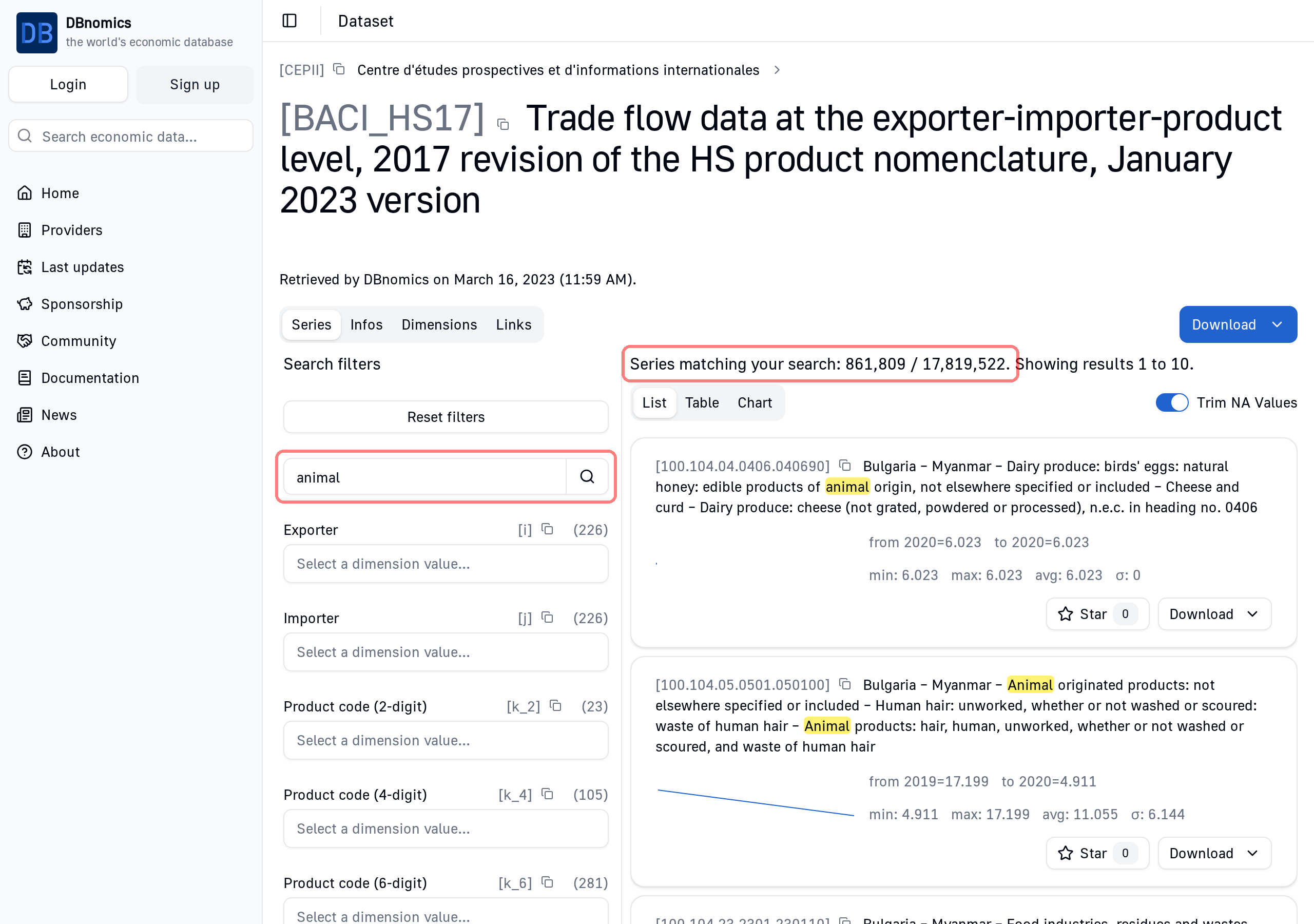
Full-text search
It is also possible to do a full-text search on the series belonging to the current dataset (as opposed to the search of the home page which targets the whole database).
Download series
Limitations
Downloading series from the website requires a user account.
Due to technical limitations, it is not possible to download more than 1000 series at once from the website. If you want to download more series, please use the Web API.
Click on the "Download" button to open a menu and select "Excel file" or "CSV file".
Downloading series from the website is useful for one-off exports, but you need to start the download again manually each time you want fresh data. With the Web API and its clients, you can automate retrieval and updates of your time series directly from your preferred environment (e.g. Python, R, etc.).
Series page
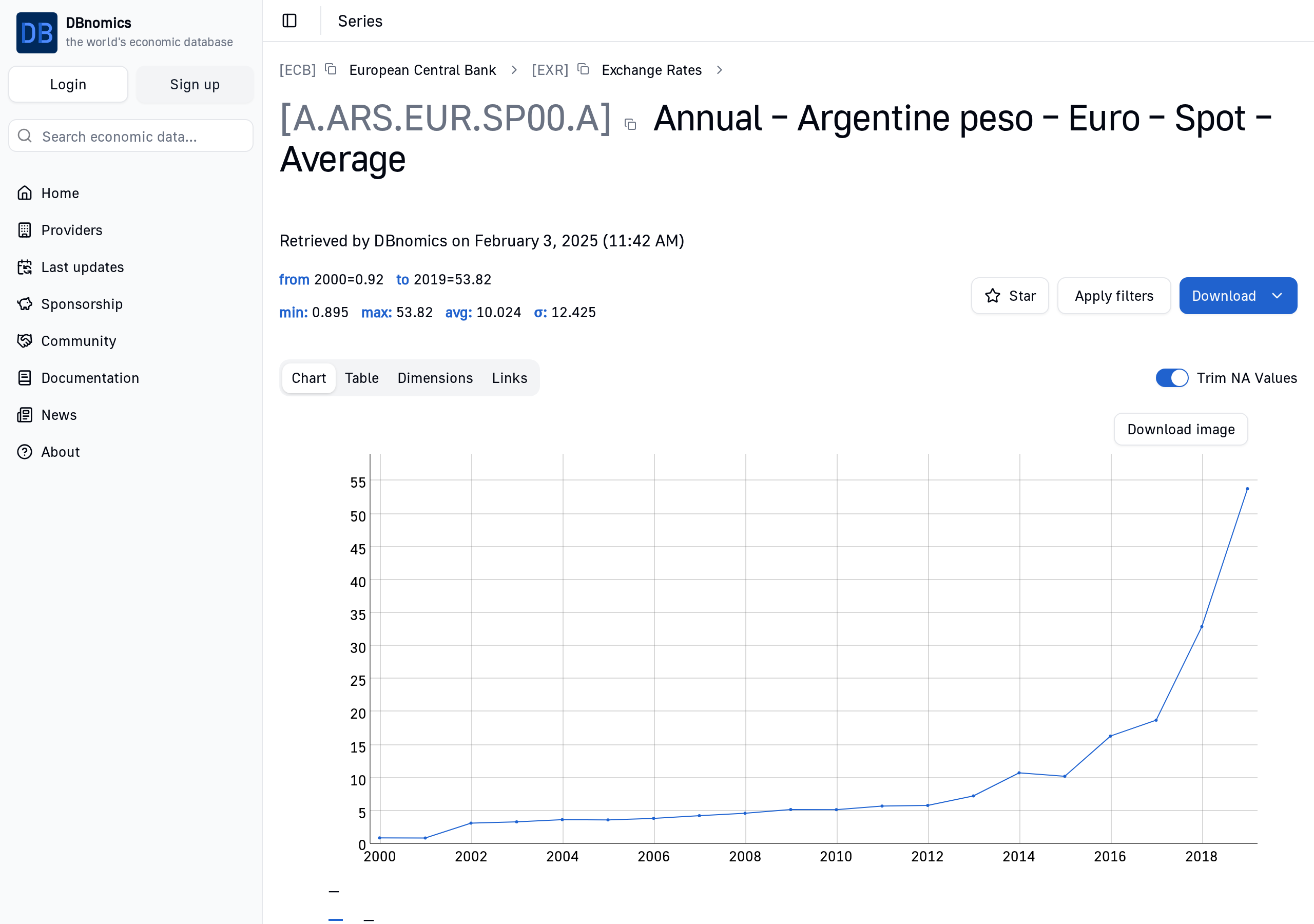
Each time series has its own URL, allowing it to be displayed as a chart or a table, and making it easier to reference.
Here is the page of the time series ECB/EXR/A.ARS.EUR.SP00.A:
User account
Creating an account is required to download data, but not to browse it.
To create a user account, click on the "Sign up" button in the sidebar.
Once you have an account, you can log in by clicking on the "Login" button in the sidebar.
Starred series
Once you are logged in, you can star time series to easily find them later.
You can find a "Star" or "Unstar" button on each series page.
Your starred series are listed on your user page, accessible by clicking on your username in the sidebar.