Quick tour
Let's say we want to find data about product transactions between France and some other countries.
We'll start by searching for a corresponding dataset on the DBnomics website, and then we'll see how to download time series using the Python client of the web API.
DBnomics website
The website of DBnomics allows users to browse data using different entry points.
Search for datasets
In our case let's say we don't know which dataset contains the data we are looking for, so we start with a full-text search.
Enter the trade products keywords in the search field of the sidebar, and see the search results:
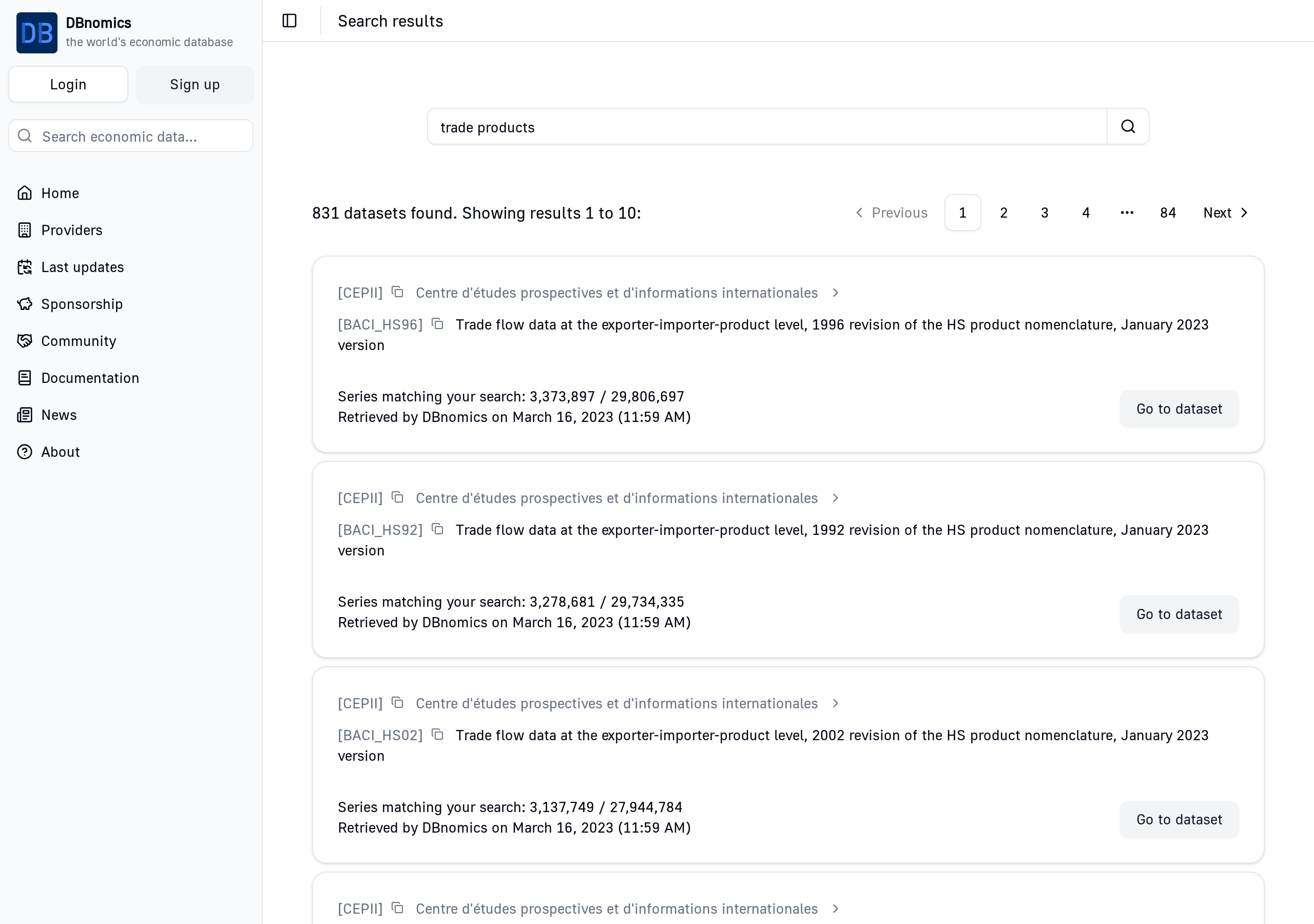
After looking at the results, we choose to use the dataset CEPII/BACI_HS17, which contains data about bilateral trade of products between countries.
Clicking on "Go to dataset" opens the dataset page.
Dataset page
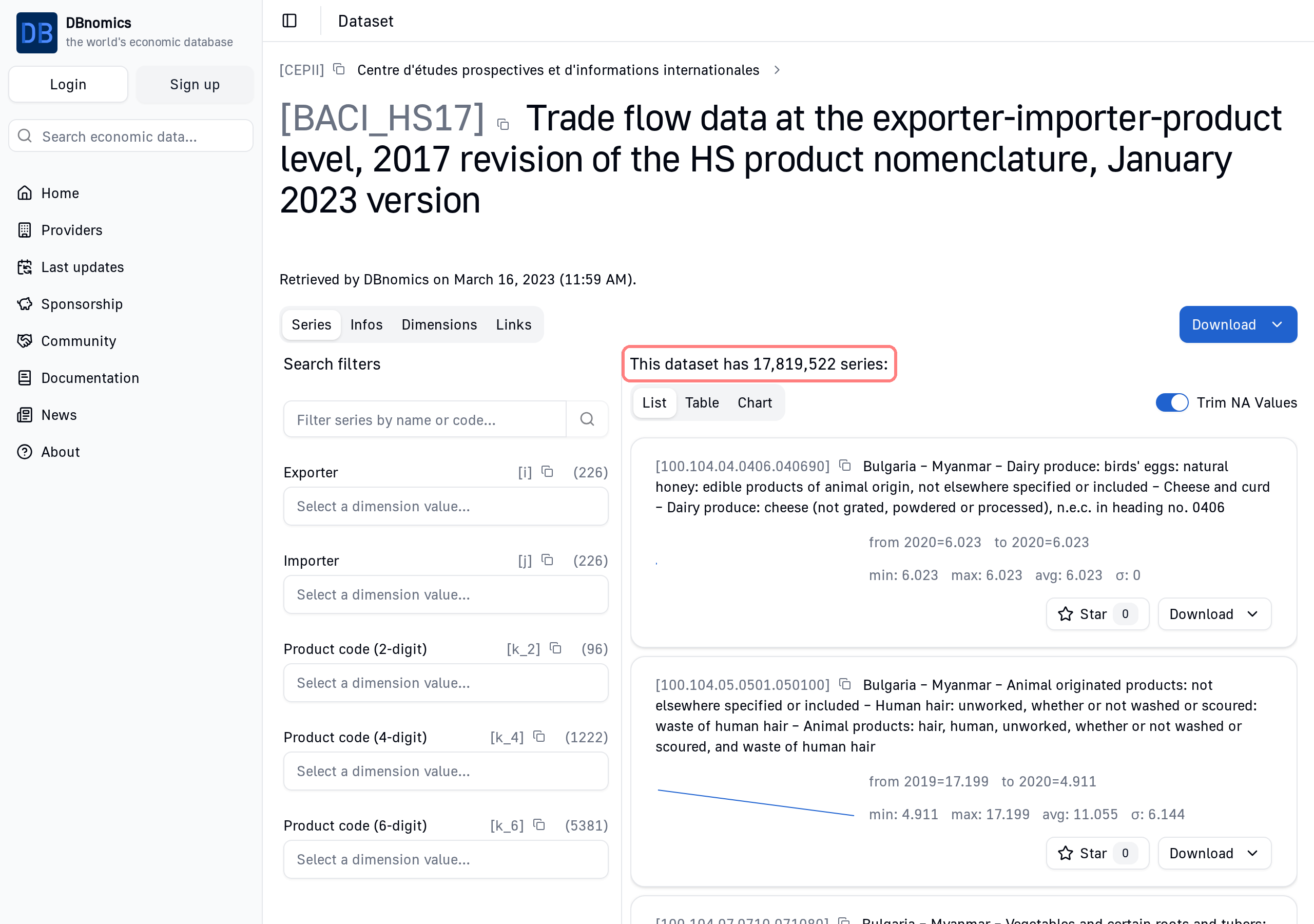
The dataset page shows the total number of series (17,819,522 in this case), and allows users to filter them by dimensions.
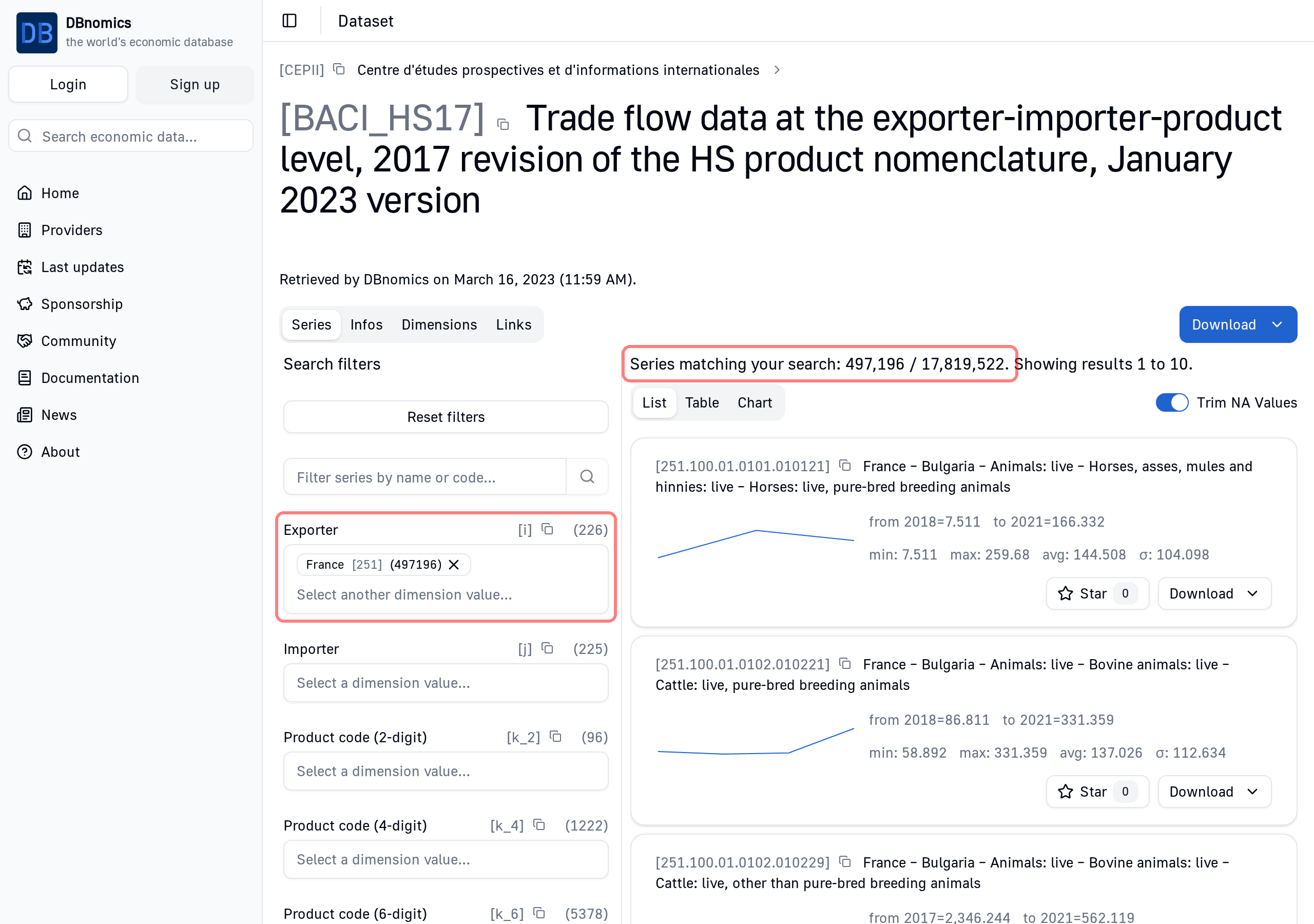
Let's set the "Exporter" dimension to "France", and see the 497,196 series that match this criterion:
Series page
Each time series has its own URL, allowing it to be displayed as a chart or a table, and making it easier to reference.
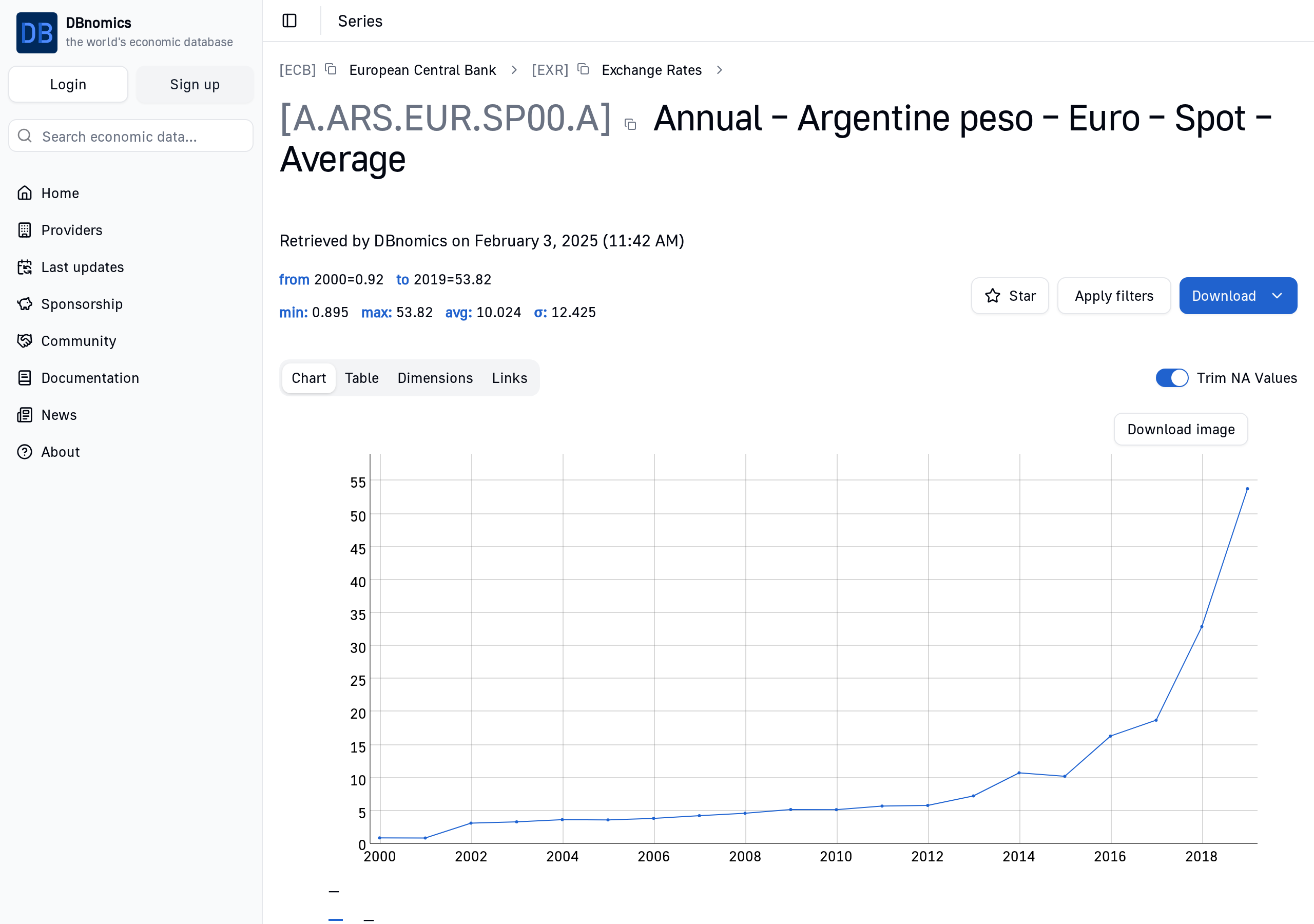
Here is the page of the time series ECB/EXR/A.ARS.EUR.SP00.A: